

Search our Hotels
Okura Nikko Hotels
Showcasing Japanese hospitality from economy to luxury hotels worldwide.
Special Offers
Double Mile Campaign 『J-SMART 200DOUBLE』
Members can earn a total of 400 miles, including 200 miles for a standard stay plus 200 bonus miles per…
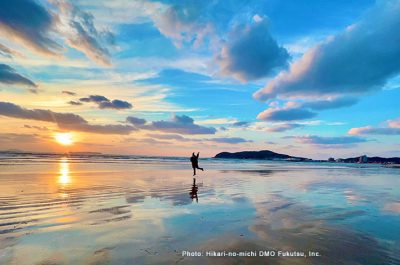
Japan's Healing & Scenic Retreat
From amazing historical sites to hidden gems, we feature special places to visit at the beginning of the year or…
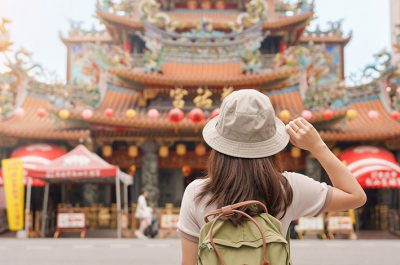
The Best of Taiwan
Taiwan, packed with diverse attractions, is one of the most recommended destinations in Asia. Please enjoy your trip to Taiwan…
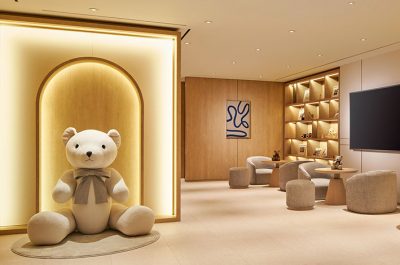
Family-Friendly Stay at Okura Nikko Hotels
We introduce you to our family-friendly hotels and plans, ensuring a delightful and secure experience throughout your stay.…
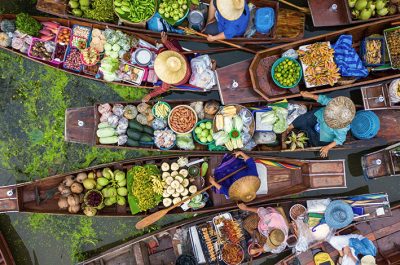
Thailand Getaway
Known as the “Land of Smiles”, Thailand offers many attractions for tourists. Here, each Okura Nikko hotel will introduce you…
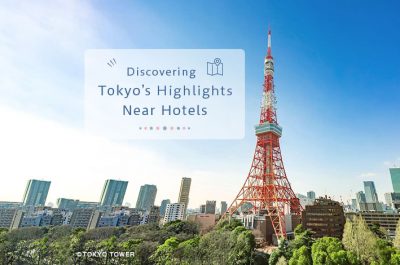
Discovering Tokyo’s Highlights Near Hotels
The capital city of Japan, Tokyo, is at the forefront of fashion, culinary, and entertainment culture. While the skyscrapers of…
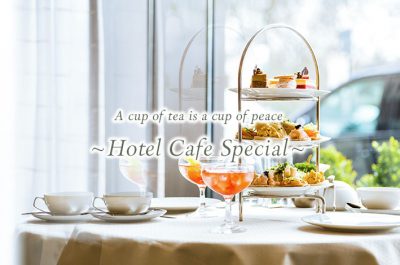
A cup of tea is a cup of peace ~Hotel Cafe Special~
As calm and stylish spaces, hotel cafes and lounges are used for a variety of purposes and occasions. As a…
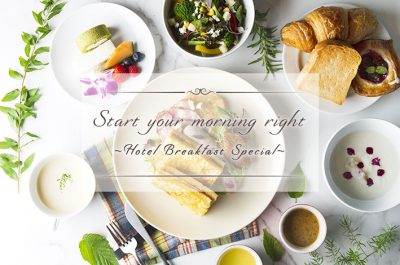
Start your morning right ~Hotel Breakfast Special~
Breakfast is one of the most enjoyable parts of a hotel stay, and it is becoming one of the important…
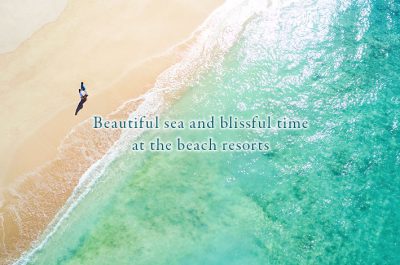
~Beautiful sea and blissful time at the beach resorts~
After getting some sun at the beach, you can go to the hotel’s spa and refresh, have a drink…
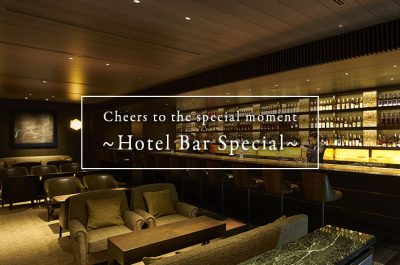
Cheers to the special moment ~Hotel Bar Special~
Many people imagine that the hotel bars are usually prestigious and difficult to enter, however, they are actually filled with…
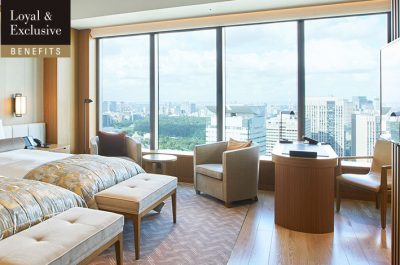
Special rates for higher category rooms are now available to book online for Loyal and Exclusive members.
Loyal and Exclusive members can now receive 15% off the Best Available Rates of our higher category
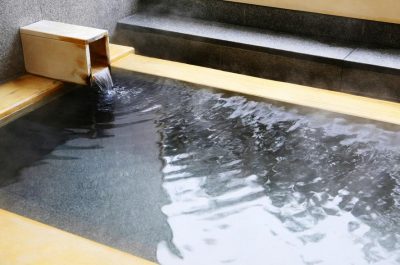
Blissful Moments at Hotel Baths
Relax and Rejuvenate, from Hokkaido to Okinawa.Stone bath, aromatherapy bath, such as the outlook baths, hotels with hot bath…

ADVANCE - early booking plans
Early booking plans are available. Book our ADVANCE rate plan below online or at your nearest reservation center.…
Explore our Hotels
Explore our Hotels
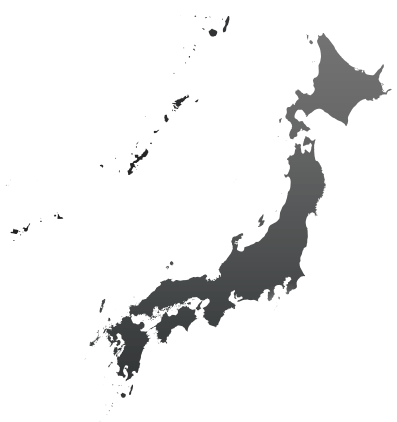

Explore our Hotels
Region
State
City
City
City
Hotel List
Hotel List
Hotel List
Hotel List
Hotel List
Hotel List
Hotel List
Hotel List
City
Hotel List
Hotel List
Hotel List
Hotel List
Hotel List
Hotel List
Hotel List
City
Hotel List
Hotel List
Hotel List
Hotel List
Hotel List
Hotel List
City
Hotel List
Hotel List
Hotel List
Hotel List
Hotel List
Hotel List
City
City
- Bali
- Bangkok
- Changshu
- Chengdu
- Chonburi
- Dalian
- Guam
- Guangzhou
- Hai Phong
- Ho Chi Minh
- Jeju
- Kaohsiung
- Macau
- Manila
- Palau
- Shanghai
- Seoul
- Suzhou
- Taipei
- Taizhou
- Wuxi
- Xiamen
Hotel List
Hotel List
Hotel List
Hotel List
Hotel List
Hotel List
Hotel List
Hotel List
Hotel List
Hotel List
Hotel List
Hotel List
Hotel List
Hotel List
Hotel List
Hotel List
Hotel List
Hotel List
Hotel List
Hotel List
Hotel List
Hotel List
Country/Region
City
Hotel List
Hotel List
- The Kahala Hotel & Resort
- Outrigger Reef Waikiki Beach Resort (Nikko Alliance Hotels)
- Outrigger Waikiki Beach Resort (Nikko Alliance Hotels)
- OHANA® Waikiki East by Outrigger® (Nikko Alliance Hotels)
- Outrigger Waikiki Beachcomber Hotel (Nikko Alliance Hotels)
- Outrigger Kona Resort & Spa (Nikko Alliance Hotels)
Country/Region
City
Hotel List
City
Explore Japan
Tradition, culture, seasons… Explore the profound charms of Japan.
Okura Nikko Hotels will guide you on a special journey.
Connect With Us




Our Brands
Each of our hotels has its own individual character and flavor, but all have something in common: a dedication to omotenashi-Japan’s culture of exceptional service, and attention to every detail of your stay.